
Passbook Printer Price in Sri Lanka and Total Ownership Cost

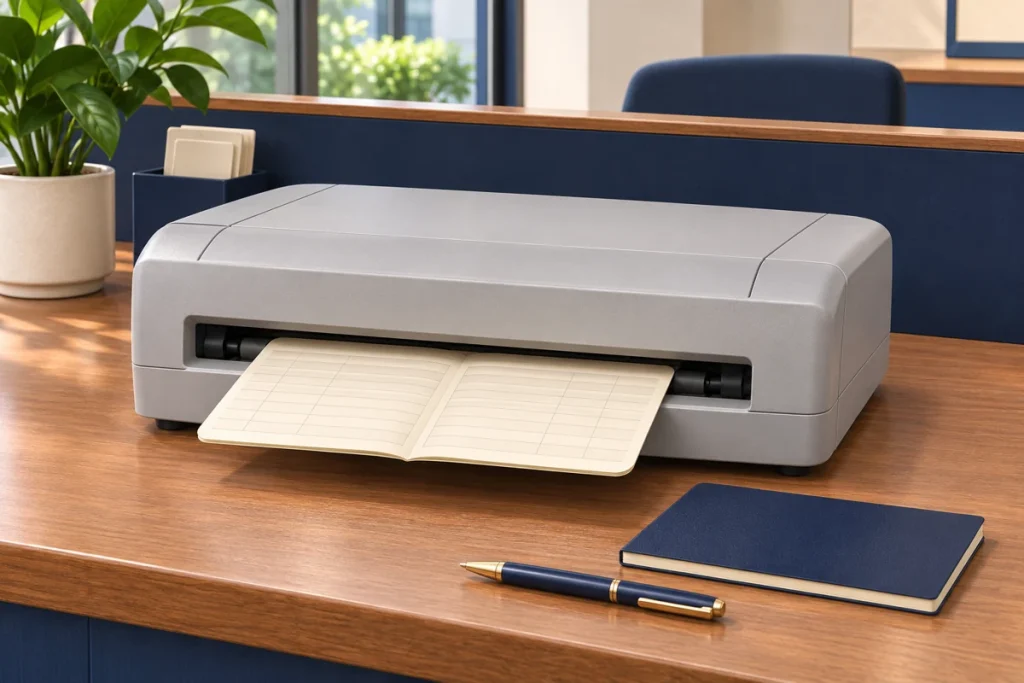
A passbook printer purchase has to support a working counter, not just provide a piece of hardware. Setup, consumables and the ability to maintain the workflow all contribute to its practical cost. When comparing passbook printer price in Sri Lanka, consider the complete period of use. Passbook printer ownership cost includes confirmed supplier charges and internal activities that may not appear on an invoice. Separating those items helps the business understand what it is paying for and which future costs remain estimates rather than fixed amounts.
Establish a suitable equipment baseline
Confirm that the proposed printer supports the required books, print layout and application environment. A low purchase price has limited value if the equipment cannot complete the intended task. Use representative media and a controlled test where practical. Keep the confirmed configuration with the quotation so later cost comparisons refer to the same working arrangement.
Identify any required accessories or connection components. Ask whether they are included and whether additional setup work is necessary. A quotation for hardware alone should not be compared directly with a package that includes configuration and training without making the scope difference visible. The starting budget should describe equipment that can be put into the intended service, not an incomplete collection of parts.
Include integration and testing effort
Technical staff may need to review drivers, interfaces, application output and print positioning. Operators may need to test the document handling sequence. These activities use time even when they do not create a separate external charge. Include them in the deployment plan so the business does not assume the printer will be ready for live work immediately after unpacking.
Where the supplier offers setup assistance, confirm its boundaries. The business's software team may still own application changes or approval of test output. Assign responsibilities before delivery and record the accepted configuration. A clear setup process reduces uncertainty and gives future support work a documented starting point instead of requiring staff to reconstruct how the printer was originally made to work.
Understand consumable use
Ask for the correct ribbon or other consumable identifiers and current supply arrangements for the selected model. Published yields usually depend on stated test conditions. They should not be converted automatically into a fixed number of passbooks because the amount of printing per book can vary significantly across different tasks and operating patterns.
Build the initial allowance using a reasonable estimate, then update it from actual use. Track replacements and note the workload over the same period. This provides a better basis for future purchasing than an unexplained annual figure. Keep a suitable stock level according to the business's requirements without ordering excessive quantities based on a theoretical maximum that does not reflect real printing demand.
Account for training and maintenance
Operators need to understand loading, page selection, messages and the approved response to uncertain output. Ask what training is included and how instructions will be retained for new staff. A printer shared across shifts needs a consistent process. The cost of training is partly about staff time and partly about any assistance agreed with the supplier.
Follow the manual for routine care and distinguish operator tasks from technical maintenance. Ask how servicing is arranged and which warranty conditions apply. Do not assume all maintenance is covered or that a general warranty description explains every service charge. Keep the written terms available so future decisions can be made from the actual agreement rather than memory.
Consider continuity at the counter
Identify how the business will handle work if printing is temporarily unavailable. The approved arrangement may involve another counter, a spare device or a different controlled process. The choice depends on operational requirements and available resources. Confirm any supplier provided continuity service in writing rather than assuming it forms part of every purchase.
Estimate the effect of interruptions cautiously. A brief service delay and a prolonged equipment problem are different situations. Focus on the tasks affected and the practical alternatives available. A useful ownership budget recognises dependence on the printer without relying on dramatic unsupported downtime costs to make one option appear necessary or another appear unsuitable.
Keep consumable orders and replacement dates beside a simple workload record. Over time, this can show a practical pattern for your own forms and print density. Do not treat a short initial period as a permanent forecast, particularly if staff are still learning the equipment. Review the allowance after normal use becomes established, then use that evidence to plan stock and compare future ownership costs more realistically.
Review the budget with real operating evidence
Discuss equipment, setup and support costs with Aiken before ordering. Keep confirmed quotation items separate from internal estimates for consumables, training and continuity. After a representative period of use, compare those estimates with actual experience. This gives the business a clearer view of the printer's cost and helps future purchases build on evidence, while keeping compatibility and a workable counter process at the centre of the decision.